
Do you know you can start a blog for free and in less than 15 minutes? Sounds absurd? Yes! But it is possible to start your own blog today. You don’t even have to be techy to have one and make money from it.
I have been blogging since 2014, and I have already tried various ways to make a blog website.
I have created numerous blog sites through different types of Content Management systems (CMS), and I have also created a blog through HTML, CSS, and PHP.
I learned about the essential components needed in building a blog site, and I also distinguished which way is better and which is best for beginners.
If you have been wanting to express your feelings, share your ideas, or record your hobbies through a blog but don’t know how and where to start, then this is the perfect place for you.
Before diving deeper, though, let us first understand the meaning of the term blog.
What is a Blog
A blog is a type of website that is regularly updated and usually run by an individual or a small group. It focuses mainly on written content and is written in a conversational or informal style.
A blog is mostly written from a writer’s perspective and often contains a blogger’s opinion.
Blog topics can vary. It can be about a person’s lifestyle, travels, hobbies, discoveries, or knowledge.
Blog vs Website
To put it simply, a blog is a type of website and can also be a part of a website. Its primary purpose is to engage the audience at a personal level.
A website, on the other hand, can contain a blog, but it is presented in a formal and business-like style. It is what businesses and non-profit organizations use to promote their brand or services and raise awareness of their advocacy, and not merely inform the audience.
A blog integrated into a corporate, portfolio, or e-commerce website, however, can provide additional information and can increase engagement and traffic.
To understand further, we can look at the following examples.
Absolutely Noteworthy is a blog that contains a lot of web pages, yet it mainly focuses on providing quality content to the readers.
Lazada is an e-commerce website that not only sells products but also allows sellers to provide additional information regarding their products and other services.
Why Start a Blog

With the rise of influencer culture, blogging has somehow become a norm and a way of earning additional income.
Blogging creates numerous opportunities to earn online by learning how to write a blog or article, and learning other digital skills like Graphic Designing, Search Engine Optimization (SEO), Web Designing, and Social Media Management.
If you create your own blog, you surely learn these things along the way.
But not only that.
Blogging gives you a platform to express yourself creatively, thereby allowing you to gain confidence in yourself.
So whether you blog to earn income or simply express yourself, you certainly benefit from it.
How Much Money Is Needed To Start A Blog
You don’t have to spend money to start a blog. You can have a blog with zero investment. You can immediately publish your first post and promote it to your social media accounts.
You only need money when you decide to buy your own domain name, hosting, professional email address, customized themes or templates, and other essential website components.
You can design your blog first and then purchase a domain name later when you already have money.
Where to Start a Blog For Free
You can start a blog for FREE through famous blogging platforms like WordPress, Wix, Simple Site, and Blogger.
You only need to sign up to any of the above-mentioned sites, choose your blog title, select your preferred template, and voila, you now have a blog.
The downside of having a FREE blog, though, is that you are using a subdomain that could affect your blog’s authority and earning potential.
Say you want to create a blog in Blogger, you will be using a blogspot.com URL extension.
If your blog title is Absolutely Noteworthy, your blog address can/will be – absolutelynoteworthy.blogspot.com
And that will remain visible unless you buy a custom domain name.
So, if you want to position your blog professionally and enjoy its earning potential fully, it is best to get a domain name that will represent yourself and your brand.
With Blogger, you can already monetize your blog through Google AdSense by just having a custom domain name.
How to Start a Blog
As promised earlier, you can build a blog for free and in less than 15 minutes. Even high school students can create a blog on their own.
To start a blog, you just have to choose a blogging platform, pick a blog name or blog title, choose your blog address or URL, customize the design by choosing the best template according to your blog topic/niche, and write your first post, then publish. It’s actually not as complicated as you think.
You can definitely start your own blog without a technical background.
One of the easiest, fastest, and cheapest ways to start a blog is through the Blogger Platform.
Blogger is a free blogging platform owned by Google that’s designed for ease. Using the basic blog design options, you can have your blog up and running in less than 15 minutes.
With Blogger, Google will host your blog for free, and you only need a custom domain name to fully monetize your blog.
Create a Blogger Blog Site
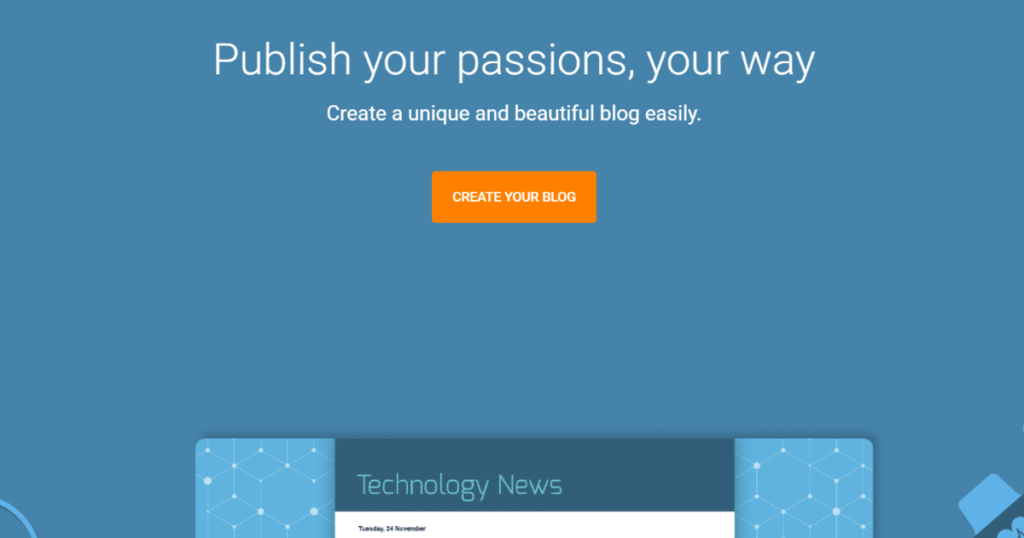
Here’s how to create a new blog on Blogger.
1. Go to the Blogger website.
2. Click “SIGN IN” located on the upper-right portion of the page.
Sign in to your Google account. Create a Gmail account if you don’t have a Google account as of yet.
You need a Google account to access blogger.com
Alternatively, you can click the CREATE YOUR BLOG button, which is at the center of the page.
3. Choose a name for your blog.
The name will be your blog title. Example: Absolutely Noteworthy
4. Click the NEXT button after entering your blog name.
5. Choose a URL for your blog.
The URL will be your web address, and it’s how people will find your blog online. To avoid confusion, use your blog name on your URL.
In Blogger, it uses a blogspot.com extension, your blog URL should look like this:
absolutelynoteworthy.blogspot.com
Take note that your preferred URL may not be available; therefore, it is essential to prepare a lot of blog titles for your URL.
If you’re confident enough, you can use your name as your blog title, then use it on your URL as well.
6. Click NEXT again once your chosen address is available.
7. Confirm your display name.
Choose how you want to introduce yourself to your readers. You can use an alias or simply “admin”.
8. Hit FINISH. You will then be routed to the Blogger dashboard.
9. Customize your blog’s appearance by clicking on Theme on the Blogger dashboard.
Choose your preferred theme or templates from Contempo down to Travel Themes.
10. Click any of the themes, then hit the APPLY button.
Your selected theme will be automatically applied to your new blog. It will change its color combination, as well as its design.
If you want to modify your blog design further, you can choose to click CUSTOMIZE, then change the background image, font colors, font sizes, reset widths, and more.
11. Write your first post.
Once you’re done choosing the theme, you can begin to write your first post.
To create a post, click on NEW POST.
12. Enter your post title, write the content, then hit PUBLISH.
That’s it! So simple. No complicated steps and no unnecessary things to add or buy.
Congratulations, You Now Have a Blog!
To view your Blogger blog, you can type your blog URL into the web browser just like how you type Facebook.com on Google Chrome.
You can also click on the “View blog” located on the lower-left portion of your Blogger dashboard.
To promote your blog, you can simply copy the URL or web address and paste it onto your social media accounts.
To start earning from your blog, you can write about companies, products, or services that offer referral bonuses or affiliate programs.
Add a Custom Domain Name in Blogger
If you want to have a personalized domain name, then you have to buy a custom domain name from a domain registrar or a web hosting provider.
To change the blog address, you simply go to Settings, look for “Custom domain”, then enter your custom domain name.
Example: www.absolutelynoteworthy.com
Or you can click on the BUY A DOMAIN option and choose the perfect domain name for your blog website.
Where to Buy A Custom Domain Name
Your domain name is what makes you stand out on the web. It is where you build your authority and integrity. It is also how you’re found by online users.
According to hubspot.com, “a custom domain is a unique branded label that’s connected to the IP address of a website”.
You can think of a custom domain name as the website URL or blog address. It is a personalized, short, and direct URL.
Stand out with a unique domain name that’s perfect for you. Buy an affordable custom domain through any of the following domain registrars and hosting providers.
1. GoDaddy
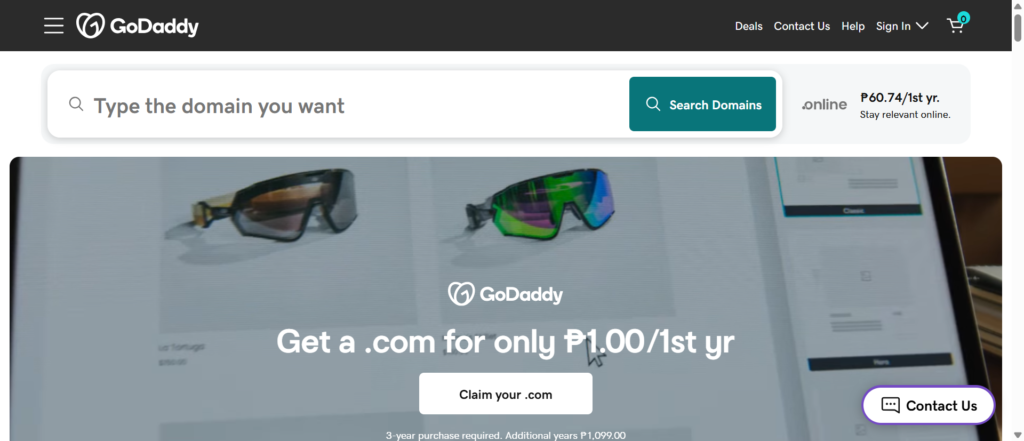
GoDaddy is my go-to when it comes to buying custom domains. It is actually my first option because of its cheap domain names.
With GoDaddy, you can have a .com domain name with just P79 for one year.
2. Porkbun
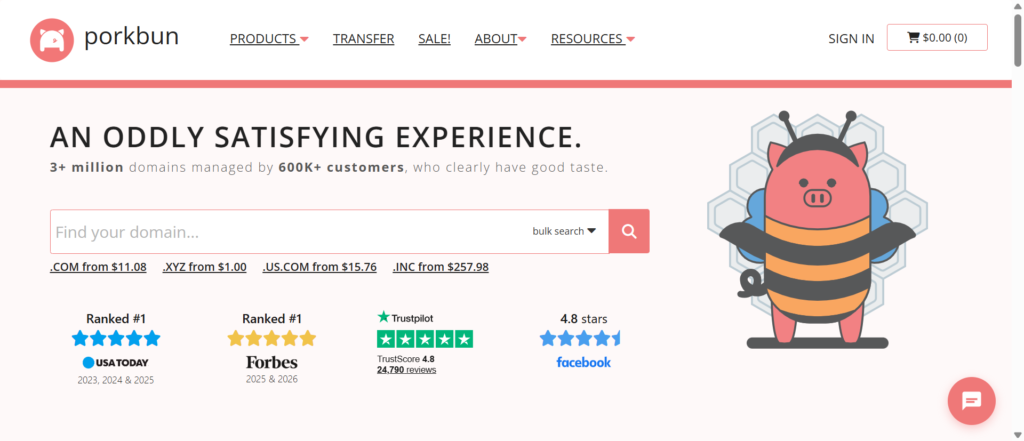
Porkbun is my second choice when it comes to buying a custom domain. With just $4.15, you can already have your own .com domain name.
What I like most about Porkbun is that it has a low renewal fee. It is perfect for small business owners and new bloggers.
3. Hostinger
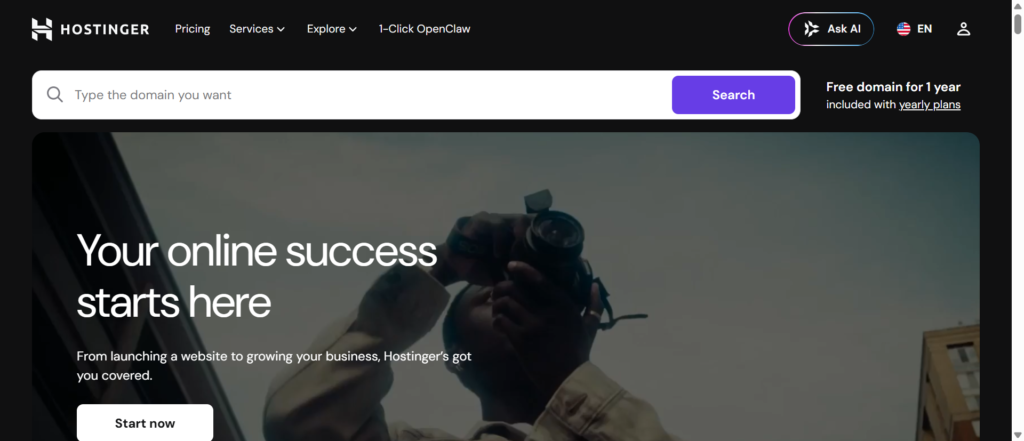
Hostinger is another web hosting and internet domain registrar that provides flexible and quick installation.
With Hostinger, you can get a .com domain name for only P406 per year.
4. InterServer
Interserver offers a .com domain name for only $11, the same price for new, renewal, or domain transfer.
5. Domain
Domain is another trusted hosting provider that offers an all-in-one solution to digital marketers and business owners. It offers a .com domain extension for only $9.99
6. HostPapa
Hostpapa is a Canadian-based web hosting company that also offers a low hosting service for 2 websites with a FREE domain for only $2.95 per month. It certainly offers a great deal for bloggers and website owners.
Bottomline
Building a blog is so easy. You can skip the technical part and get it done in less than 15 minutes.
Not fluent in English? No problem! You can use your National Language. If you’re a Filipino, then you can use Tagalog. I have actually seen a lot of blogs or websites with content written in Tagalog.
Now, time to promote your blog and increase web traffic. Next will be to set monetization options to earn from it. Learn more about the Google AdSense guidelines to start earning immediately.
Are you ready? Then, let’s get your blog done!